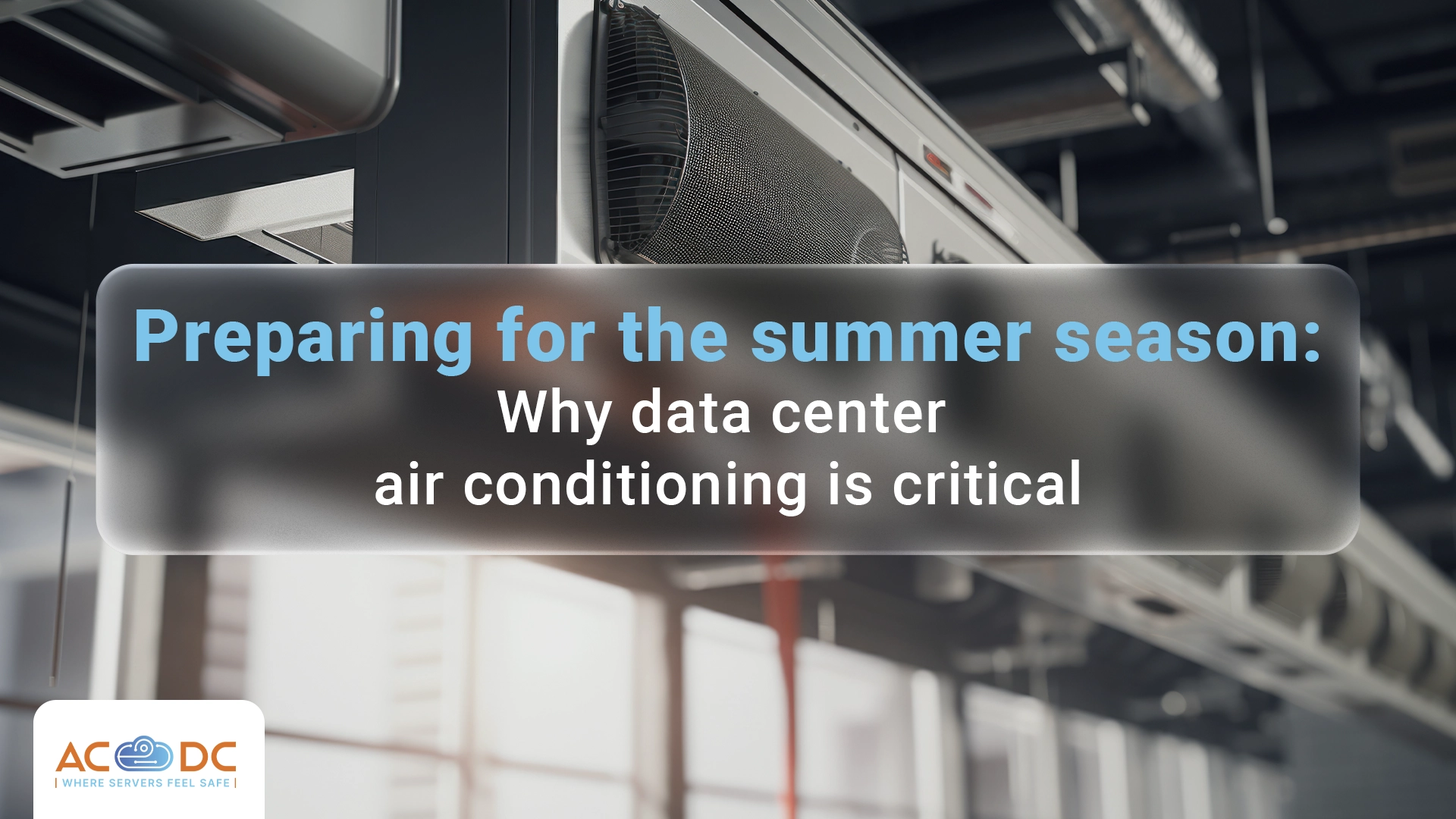






A common situation in many company offices: The temperature outside exceeds 35°C, the air conditioning struggles to keep up with the cooling, while in the server room – stuffiness, fans spinning at maximum speed, and indicators showing a potential problem with the servers and systems.
Overheating of server equipment is among the most common causes of unexpected failures during the summer months. Unlike other IT problems, it is almost entirely predictable and preventable, as long as you prepare your IT infrastructure before the dangerous heatwaves arrive.
Why heat in the room hinders server equipment
Servers generate a significant amount of heat during operation. Processors, disks, power supplies, and network cards emit heat that must be continuously dissipated. When the ambient temperature rises, cooling the components becomes more difficult, and they start operating at higher temperatures than they were designed for.
With moderate overheating, processors and other components automatically limit their operating frequency (so-called thermal throttling). The system continues to operate, but much more slowly. In the case of more severe overheating, the system will shut down automatically to prevent physical damage. Continuous operation at high temperatures accelerates component wear and significantly shortens equipment life.
That is why the room where you store your servers must provide reliable and secure cooling to maintain the normal operating temperature for the server equipment, even during the hottest summer months.
Do the office air conditioners cope?
Office air conditioning systems are not designed to cool server equipment, but rather to maintain a comfortable temperature for people, on a completely different principle. The air conditioner cools the entire room evenly. However, server equipment generates concentrated heat in certain areas and requires constant, directed airflow to those points—something an office air conditioner cannot provide.
Another problem is that office air conditioners do not run 24/7; they are typically turned off when there are no people in the office (at night, on weekends, or holidays). At such times, temperatures in the room can rise uncontrollably, and servers running 24/7 could overheat precisely when no one is available to respond to the problem.
Other risks of having a server in the office
Many companies have placed their server equipment in a room that was not designed for this purpose: a small room without separate climate control, or simply in a corner of an office. The risks of this setup are not limited only to temperature, but also include:
- Dust and dirt: An office environment is far dustier than a server room with controlled air. Dust accumulates on fans and heatsinks, reduces cooling efficiency, and increases the risk of failures. Routine cleaning of equipment in an office environment rarely occurs regularly enough.
- Humidity: Unregulated humidity (either low or high) is also a risk to any equipment.
- Physical access: In an office environment, control over physical access to server equipment is limited. Any employee, cleaning staff, or visitor may find themselves in close proximity to critical infrastructure.
- Lack of monitoring: When the temperature in the office server closet rises to dangerous levels on Saturday afternoon, there is usually no one to notice until it's already too late.
Learn more on the topic: Server in the office or in the data center
How is the problem solved in the data center
Cooling in a high-class certified data center is designed for the optimal operation of server equipment and has nothing in common with adapting office air conditioning for such a purpose.
In the data center, the cooling system works around the clock, regardless of time, day, or outside temperature. It is also redundant—if one cooling unit fails, a backup takes over the load without interruption. The airflow is designed in a hot and cold aisle configuration, ensuring maximum process efficiency.
Temperature and humidity are monitored in real time, and if there is any deviation from the set parameters, the system reacts automatically and the team receives an immediate alert. It doesn't matter whether it happens at night, on weekends, or during holidays.
Summer temperature peaks outside are not an event for the data center, as cooling systems are designed to operate under heatwave conditions. This preparedness is built in at the data center's design stage to meet the requirements of many businesses for uninterrupted server operation, regardless of circumstances.
Don't forget about energy efficiency
Cooling consumes a significant portion of a data center's total energy.
Office air conditioning that tries to cool both people and servers at the same time is far from efficient. It uses much more energy for a much less stable result. The sum of your office electricity bills, especially during summer months, rarely makes business sense when compared to the predictable monthly fee for colocation.
What you should do right now
If your server is located in an office room, now is the time to make sure that the airflow around the equipment is not blocked by cables, boxes, or anything else. Check whether the equipment is registering temperature increases and if anyone on your team will notice them in time. Make sure your backups are up to date in case the equipment fails. In such conditions, you are highly likely to need them very soon.
The truly sustainable option is to plan to move your servers to a professional data center. There, the conditions anticipate and regulate heat even during the summer season with much higher energy efficiency than you could provide in the office.
If you want to learn how to ensure optimal conditions for your servers and how much you can save on electricity costs, contact the AbsCloud Data Center (AC☁DC) team or book a visit to our data center in Varna.
Свържете се с нас
Интересувате се от колокация на сървъри или други услуги? Свържете се с екипа ни още сега.

 21 October, 2026
 13 October, 2026
 7 October, 2026
 30 September, 2026
 23 September, 2026
 16 September, 2026
 9 September, 2026
 27 August, 2026
 18 August, 2026
 11 August, 2026
 4 August, 2026
 28 July, 2026
 21 July, 2026
 15 July, 2026
 7 July, 2026
 30 June, 2026
 21 June, 2026
 16 June, 2026
 2 June, 2026
 27 May, 2026
 19 May, 2026
 12 May, 2026
 6 May, 2026
 21 April, 2026
 15 April, 2026
 8 April, 2026
 1 April, 2026
 24 March, 2026
 18 March, 2026
 11 March, 2026
 4 March, 2026
 26 February, 2026
 19 February, 2026
 5 February, 2026
 3 February, 2026
 27 January, 2026
 20 January, 2026
 13 January, 2026
 8 January, 2026
 4 January, 2026
 22 December, 2025
 17 December, 2025
 10 December, 2025
 4 December, 2025
 26 November, 2025
 17 November, 2025
 11 November, 2025
 4 November, 2025
 27 October, 2025
 20 October, 2025
 8 October, 2025
 5 October, 2025
 30 September, 2025
 19 September, 2025
 15 September, 2025
 4 September, 2025
 29 August, 2025
 23 August, 2025
 16 August, 2025
 12 August, 2025
 6 August, 2025
 28 July, 2025
 22 July, 2025
 15 July, 2025
 11 July, 2025
 3 July, 2025
 19 June, 2025
 3 June, 2025
 27 May, 2025
 21 May, 2025
 14 May, 2025
 7 May, 2025
 29 April, 2025
 23 April, 2025
 14 April, 2025
 8 April, 2025
 27 March, 2025

 0882 355 203