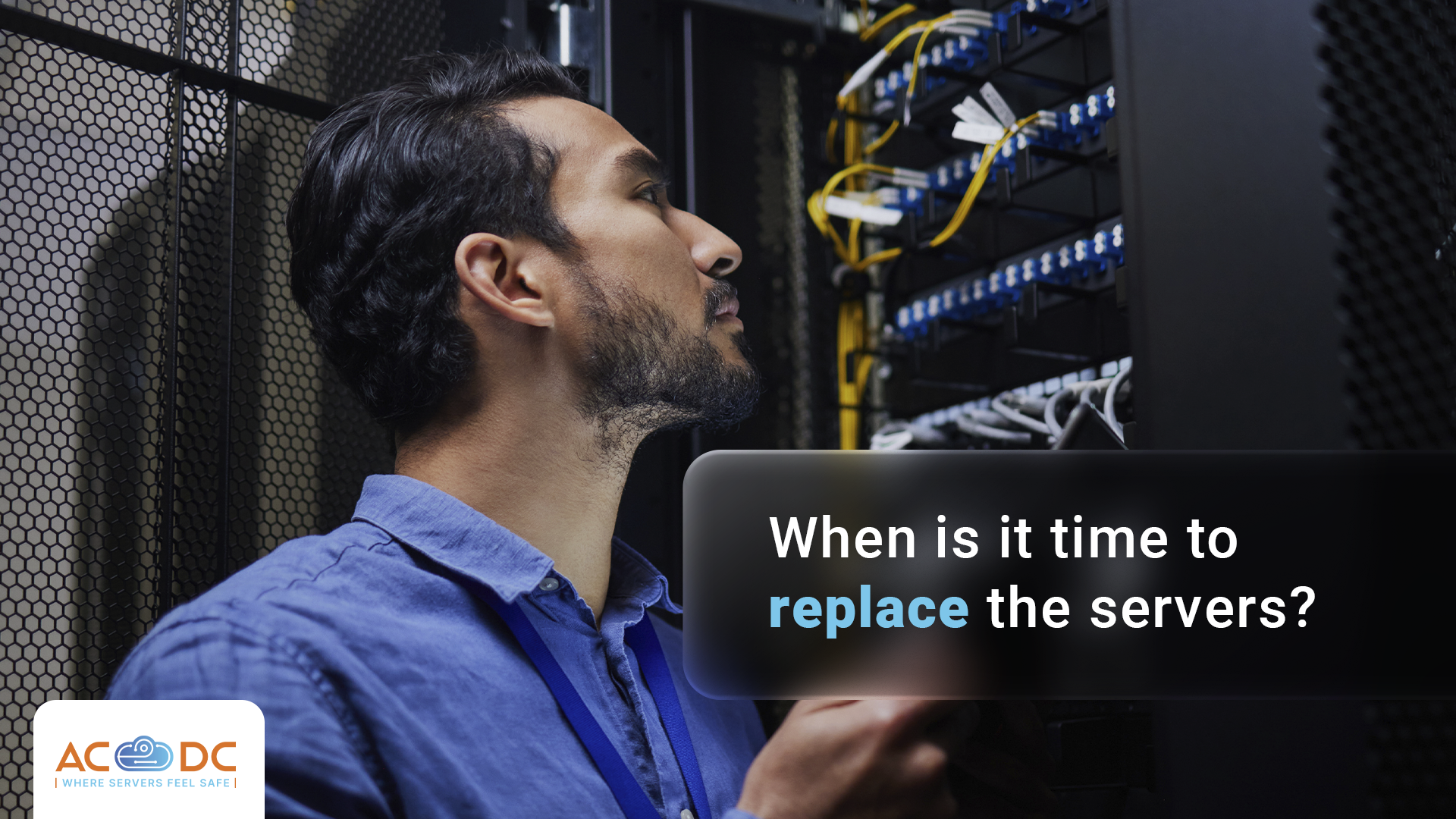






There is no universal answer to the question of when a server has exhausted its resources and should be replaced. However, there are a number of signs and factors that, over time, make maintenance and operation unprofitable, and the server—a high-risk asset for the business.
The right time to replace servers is rarely obvious while you can still plan the process calmly. In many cases, neglect or lack of methodology for decision-making leads to a delayed reaction, forcing the business to act in an emergency.
The Server Lifecycle
Server manufacturers design their products with a lifecycle of several years (typically around 5 years). This is the period during which the product is covered by a standard warranty and the manufacturer guarantees the availability of spare parts, updates, trouble-free operation, etc.
In summary, the lifecycle of a server typically looks like this:
- Years 1-3: New hardware operating within specifications. All defects are covered by the warranty, ensuring full performance and low risk of failures.
- Years 3-5: Hardware operates stably and is already well-known to the team. Signs of wear start to appear on disks and fans. The warranty is likely still active, but its extension is now a more expensive option.
- Years 5-7: Post-warranty period when the manufacturer has discontinued or severely limited support. Spare parts for this equipment are still available, but with longer delivery times and at higher prices. At the same time, the risk of problems—and power consumption—increases compared to most modern equivalents.
- After 7 years: High risk of failures, limited availability of spare parts, and components with longer potential downtime in case of significant issues. The manufacturer has ceased support and security-critical updates, while the hardware operates at lower performance compared to newer models on the market.
*The above timeframes are indicative. With good maintenance in a suitable environment, the life of a server can increase significantly.
Signals Not to Ignore
Signs that a server needs replacement rarely manifest as a single event and are usually recognized after a series of smaller failures or anomalies. Here are some of the most common:
- Growing costs for maintenance, parts, labor, downtime, etc. If annually these exceed 15-20% of the price of a new server, replacement is financially justified even without considering other factors.
- Issues with spare part availability, where you can only find components on the secondary market and not through official suppliers. This increases the risk of longer downtime and no quality guarantee for the components.
- Discontinuation of performance and security updates, which leads to higher vulnerability and a decline in equipment performance over time.
- Reduced performance, which can be noticed even without error messages or component failures.
- Hardware no longer meets the requirements of the latest application versions in terms of necessary server resources.
Upgrade, Replace, or Ignore the Problem?
If any of these signals are present, you have three possible courses of action:
Upgrading Current Equipment
This option works well if the hardware is around 4-5 years old, main components are functioning well, but a particular resource (RAM, speed, network card, etc.) needs to be increased. However, if the server is older and the limitation is due to more substantial resources, upgrading will cost 40-50% of the price of a new server, making it a less attractive option for your business.
Replacing the Server
This is the correct decision when significant intervention is needed with equipment older than 5 years. During this period, maintenance costs increase, and warranty coverage has expired. Modern application requirements cannot be met by upgrading, and energy consumption is higher than for newer hardware models. Replacement can bring greater efficiency, speed, computing power per unit of energy, and lower operational costs.
Continuing Operation
If the server fulfills a low-critical, low-intensity function, and the applications are stable and not being upgraded, the risk of downtime is likely acceptable for you. In such cases, active system monitoring is essential, and you should plan for replacement in the medium term.
What Are the Costs Associated with the Purchase and Operation of a Server?
When making a decision, it's important to be able to calculate the total cost of ownership throughout the server’s lifecycle. This usually includes:
- Capital costs: hardware purchase price, installation and configuration, software licenses.
- Operational costs: colocation, power supply, maintenance and warranty, spare parts, administrative and IT expenses, downtime costs in case of failures.
- Hidden costs: lost productivity, security costs due to outdated systems, business growth limitations caused by inadequate infrastructure.
In this context, good planning can be a serious competitive advantage for companies that proactively manage the hardware lifecycle. They have the ability to monitor key parameters, temperature, errors, and more, and to plan phased replacements of aging hardware, which can be budgeted in advance.
The Role of the Data Center in Server Lifecycle Management
The data center is a place where servers are housed in an environment optimized for their operation, which extends their lifespan. Additionally, precise power consumption measurement allows you to notice excessively high usage much more easily than in an office environment.
Our Remote Hands services not only assist with physical component replacement without the need to travel to the data center, but you can also rely on our team for complete equipment installation during major transitions. We will plan and coordinate the process for a smooth transition from old to new equipment.
If you are planning to replace your server infrastructure and need help with cost calculation and migration, contact the AbsCloud Data Center team today.
See more useful content on the topic:
- How much does server colocation cost and how is the price determined?
- How long does it take to implement server infrastructure?
- What happens in a data center during a power outage?
Свържете се с нас
Интересувате се от колокация на сървъри или други услуги? Свържете се с екипа ни още сега.

 21 October, 2026
 13 October, 2026
 7 October, 2026
 30 September, 2026
 23 September, 2026
 16 September, 2026
 9 September, 2026
 27 August, 2026
 18 August, 2026
 11 August, 2026
 4 August, 2026
 28 July, 2026
 21 July, 2026
 15 July, 2026
 7 July, 2026
 30 June, 2026
 21 June, 2026
 16 June, 2026
 9 June, 2026
 2 June, 2026
 27 May, 2026
 19 May, 2026
 12 May, 2026
 6 May, 2026
 21 April, 2026
 15 April, 2026
 8 April, 2026
 1 April, 2026
 24 March, 2026
 18 March, 2026
 11 March, 2026
 4 March, 2026
 26 February, 2026
 19 February, 2026
 5 February, 2026
 3 February, 2026
 27 January, 2026
 20 January, 2026
 13 January, 2026
 8 January, 2026
 4 January, 2026
 22 December, 2025
 17 December, 2025
 10 December, 2025
 4 December, 2025
 26 November, 2025
 17 November, 2025
 11 November, 2025
 4 November, 2025
 27 October, 2025
 20 October, 2025
 8 October, 2025
 5 October, 2025
 30 September, 2025
 19 September, 2025
 15 September, 2025
 4 September, 2025
 29 August, 2025
 23 August, 2025
 16 August, 2025
 12 August, 2025
 6 August, 2025
 28 July, 2025
 22 July, 2025
 15 July, 2025
 11 July, 2025
 3 July, 2025
 19 June, 2025
 3 June, 2025
 27 May, 2025
 21 May, 2025
 14 May, 2025
 7 May, 2025
 29 April, 2025
 23 April, 2025
 14 April, 2025
 8 April, 2025
 27 March, 2025

 0882 355 203